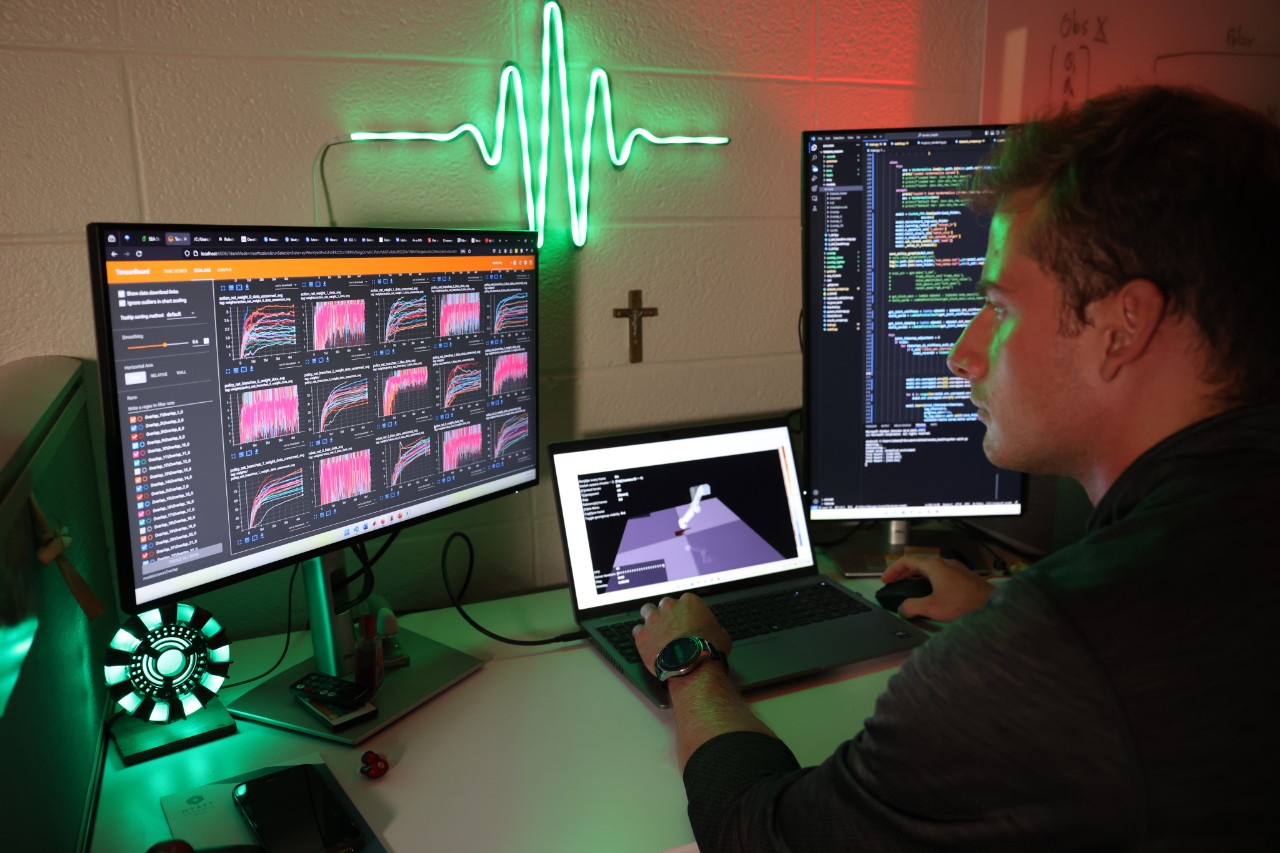
Engineering isn’t just about knowing formulas or writing code — it’s about solving systems-level problems under uncertainty. One day you’re debugging a simulation that won’t converge, the next you’re analyzing noisy data, and later you’re writing a lab report explaining why your results don’t match theory.
The hardest part isn’t getting an answer — it’s figuring out why your output is wrong in the first place.
Most engineering students struggle with:
- Outputs that don’t match expected results
- Debugging loops that take hours (or days)
- Understanding the reasoning behind equations and models
- Switching constantly between math, code, and documentation
AI tools for engineering students, when used correctly, don’t replace learning — they act like a debugging partner and iteration engine. Instead of staying stuck for hours, you move faster from:
“this doesn’t work” → “I understand why it doesn’t work” → “I fixed it.”
If you’re still getting familiar with general-purpose tools, you can start with a broader overview in Best AI Tools for Students (2026), but engineering workflows require a more specialized approach.
Why Engineering Students Need AI Differently
Most AI content is built for general studying or coding. But engineering is different.
You don’t just need answers — you need:
- Validation → Is this result even correct?
- Debugging → Where did my system break?
- Interpretation → What does this graph/signal/output actually mean?
- Iteration → How do I improve this model step-by-step?
This is why generic tools fall short.
Engineering workflows look like:
- Build a model / write code
- Run it
- Get unexpected results
- Spend hours figuring out why
AI is most powerful in step 3 → step 4, where you’re stuck.
Instead of guessing blindly, you can:
- Trace errors faster
- Break down multi-step problems
- Validate assumptions
- Iterate faster
That shift — from being stuck to iterating — is where AI becomes a real engineering advantage.
Best AI Tools for Engineering Students
1. ChatGPT
What it is:
A general-purpose AI assistant for reasoning, debugging, and explanation.
Why it’s useful for engineering:
Unlike typical tools, it helps you walk through systems step-by-step, not just output answers.
Real use case:
You’re running a Python-based simulation for a control system and your output diverges. You paste your equations + code → it identifies instability due to step size or incorrect discretization.
Where it shines:
- Breaking down multi-step problems
- Debugging logic errors
- Explaining equations in context
- Translating theory → implementation
Limitations:
- Can hallucinate incorrect math
- Needs clear prompts for accuracy
- Not a substitute for verification
How to actually use this for engineering work:
- Paste your full context (equation + code + expected result)
- Ask: “Where could this system break and why?”
- Request step-by-step debugging, not just fixes
- Validate its reasoning against your notes
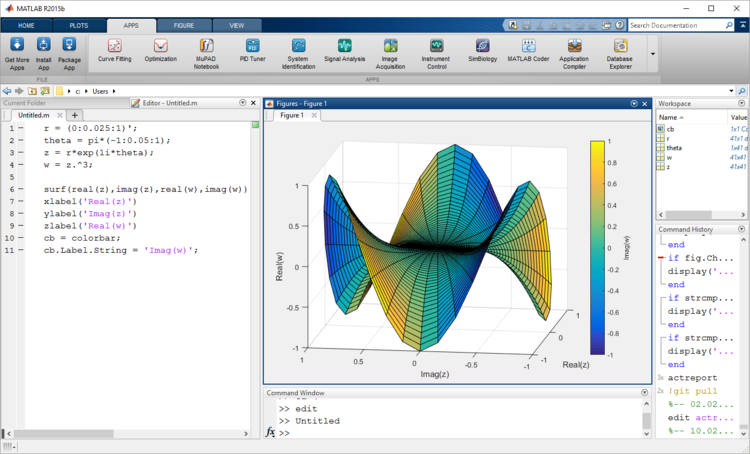
2. MATLAB
What it is:
A numerical computing environment used heavily in engineering.
Why it’s useful for engineering:
It’s built for matrix operations, simulations, and signal processing — core engineering workflows.
Real use case:
You’re analyzing a signal in an EE lab. You use MATLAB to run FFTs, then use AI to interpret unexpected frequency spikes.
Where it shines:
- Signal processing
- Matrix computations
- Control systems modeling
- Simulation environments
Limitations:
- Steeper learning curve
- Expensive license
- Less flexible than Python ecosystems
How to actually use this for engineering work:
- Run your simulation or computation
- Export outputs/plots
- Use AI to interpret anomalies
- Iterate parameters and re-test
For more math-heavy workflows, including calculus and advanced problem solving, see Best AI Tools for Math (2026) where these tools are used more extensively for equation solving and visualization.
3. GitHub Copilot
What it is:
An AI coding assistant embedded in your editor.
Why it’s useful for engineering:
Helps you write implementation-level code faster, especially for simulations and numerical methods.
Real use case:
You’re implementing a numerical solver (e.g., Runge-Kutta). Copilot generates the structure, saving time on boilerplate while you focus on correctness.
Where it shines:
- Writing repetitive code
- Suggesting implementations
- Speeding up prototyping
- Integrating APIs/libraries
Limitations:
- Doesn’t understand full system context
- Can generate incorrect logic
- Encourages over-reliance
How to actually use this for engineering work:
- Use it for structure, not logic
- Manually verify every equation implementation
- Test outputs with known cases
- Refactor after generation
4. Overleaf
What it is:
A collaborative LaTeX editor for technical documents.
Why it’s useful for engineering:
Engineering reports require clean equations, formatting, and clarity.
Real use case:
You’re writing a lab report with multiple equations, graphs, and references. AI helps generate structured explanations, and Overleaf formats everything professionally.
Where it shines:
- Lab reports
- Technical documentation
- Equation formatting
- Collaboration
Limitations:
- Requires LaTeX familiarity
- Formatting can be tedious
- Not ideal for quick notes
How to actually use this for engineering work:
- Draft explanations with AI
- Convert to LaTeX format
- Insert equations + figures
- Refine clarity and structure
If you’re writing longer technical reports or research papers, you may also find Best AI Tools for Research Papers (2026) helpful for structuring complex arguments and sources.
5. Wolfram Alpha
What it is:
A computational engine for solving math-heavy problems.
Why it’s useful for engineering:
It provides verified computations, which is critical when dealing with equations and matrices.
Real use case:
You’re solving a system of differential equations or checking eigenvalues of a matrix — it validates your results instantly.
Where it shines:
- Symbolic math
- Matrix operations
- Calculus
- Verification
Limitations:
- Limited explanations
- Less flexible for workflows
- Not great for debugging systems
How to actually use this for engineering work:
- Solve or verify equations
- Compare with your manual solution
- Identify mismatches
- Debug upstream steps
6. Claude (by Anthropic)
What it is:
An AI model known for strong reasoning and long-context understanding.
Why it’s useful for engineering:
Great for reading large codebases, reports, or datasets and identifying inconsistencies.
Real use case:
You upload a full lab report + data → it identifies logical inconsistencies between your explanation and results.
Where it shines:
- Long documents
- Deep reasoning
- System-level analysis
- Clean explanations
Limitations:
- Slower than other tools
- Not specialized for math computation
- Still requires validation
How to actually use this for engineering work:
- Upload full context (code/report/data)
- Ask for inconsistencies or errors
- Request structured feedback
- Refine your work based on insights
What Tools Do Engineering Students Actually Need?
You don’t need everything — you need the right combinations.
Problem-Solving Stack:
- ChatGPT + Wolfram Alpha
→ reasoning + verification
Coding & Simulation Stack:
- MATLAB + GitHub Copilot
→ computation + implementation
Report-Writing Stack:
- Claude + Overleaf
→ clarity + presentation
This is how real workflows look — not isolated tools, but connected systems.
Common Mistakes Engineering Students Make With AI
- Trusting outputs blindly
AI can be wrong — especially with math and simulations. - Skipping the debugging process
If you don’t understand why something broke, you’ll repeat the same mistake. - Over-relying on generated code
You still need to understand algorithms and logic. - Not verifying results
Always cross-check with tools like Wolfram Alpha or manual calculations.
The goal isn’t to get answers faster — it’s to iterate smarter.
Study Setup That Actually Works With AI

If you’re doing real engineering work (long debugging sessions, simulations, reports), your setup matters more than you think.
- Noise Cancelling Headphones → Essential for deep debugging sessions where you need uninterrupted focus while tracing errors or analyzing outputs.
- Blue Light Glasses → Helps reduce eye strain during long debugging or simulation sessions, especially when you’re staring at multiple screens (code, graphs, outputs) for hours at a time, keeping your focus sharp deeper into work sessions.
- Laptop Stand → Keeps your screen at eye level during long coding/simulation sessions, reducing fatigue when working across multiple windows (code + graphs + docs).
These aren’t just “study tools” — it’s a setup that directly supports engineering workflows.
FAQ (Engineering-Specific)
How should I use AI when debugging engineering problems?
Start by providing full context — equations, code, and expected output. Ask the AI to identify where assumptions might break instead of asking for a direct fix. Then test each suggested issue systematically. Treat AI like a debugging partner, not a solution generator.
What if AI gives me the wrong answer for a calculation or model?
Always verify. Use a second tool (like Wolfram Alpha) or manual checks. If results don’t match, trace each step backward — the error is often in setup or assumptions, not just the final calculation.
Can I use AI for lab reports without getting in trouble?
Yes — if you use it correctly. Use AI for structuring explanations, improving clarity, or summarizing results. Do not use it to fabricate data or blindly generate conclusions. Your understanding still needs to be original.
How do I use AI with simulations and engineering software?
Run your simulations normally, then use AI to interpret outputs, explain anomalies, and suggest parameter changes. The key is combining domain tools (MATLAB) with reasoning tools (AI), not replacing one with the other.
Conclusion
Engineering has always been about solving problems under constraints — limited time, incomplete information, and complex systems.
AI doesn’t remove that challenge. It accelerates how quickly you can move through it.
Instead of spending hours stuck on one issue, you can:
- Debug faster
- Validate assumptions quicker
- Iterate more efficiently
The students who benefit most from AI aren’t the ones who use it for answers — they’re the ones who use it to think better and iterate faster.
If you learn how to use these tools properly, you’re not just keeping up — you’re gaining a real competitive advantage in engineering.
1 thought on “Best AI Tools for Engineering Students (2026)”